AI pranks
Prank your friends with AI.
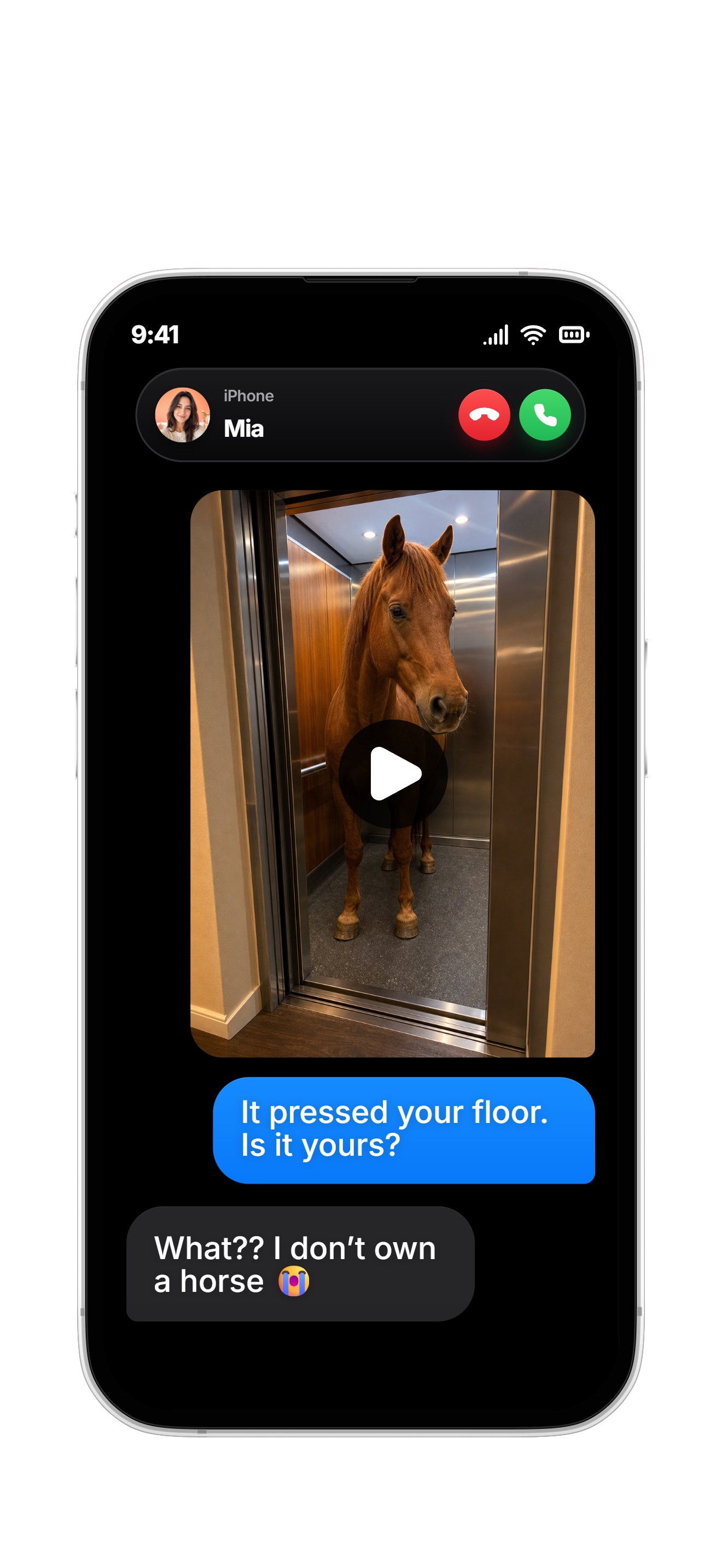
Photo to video
Make your photos move.
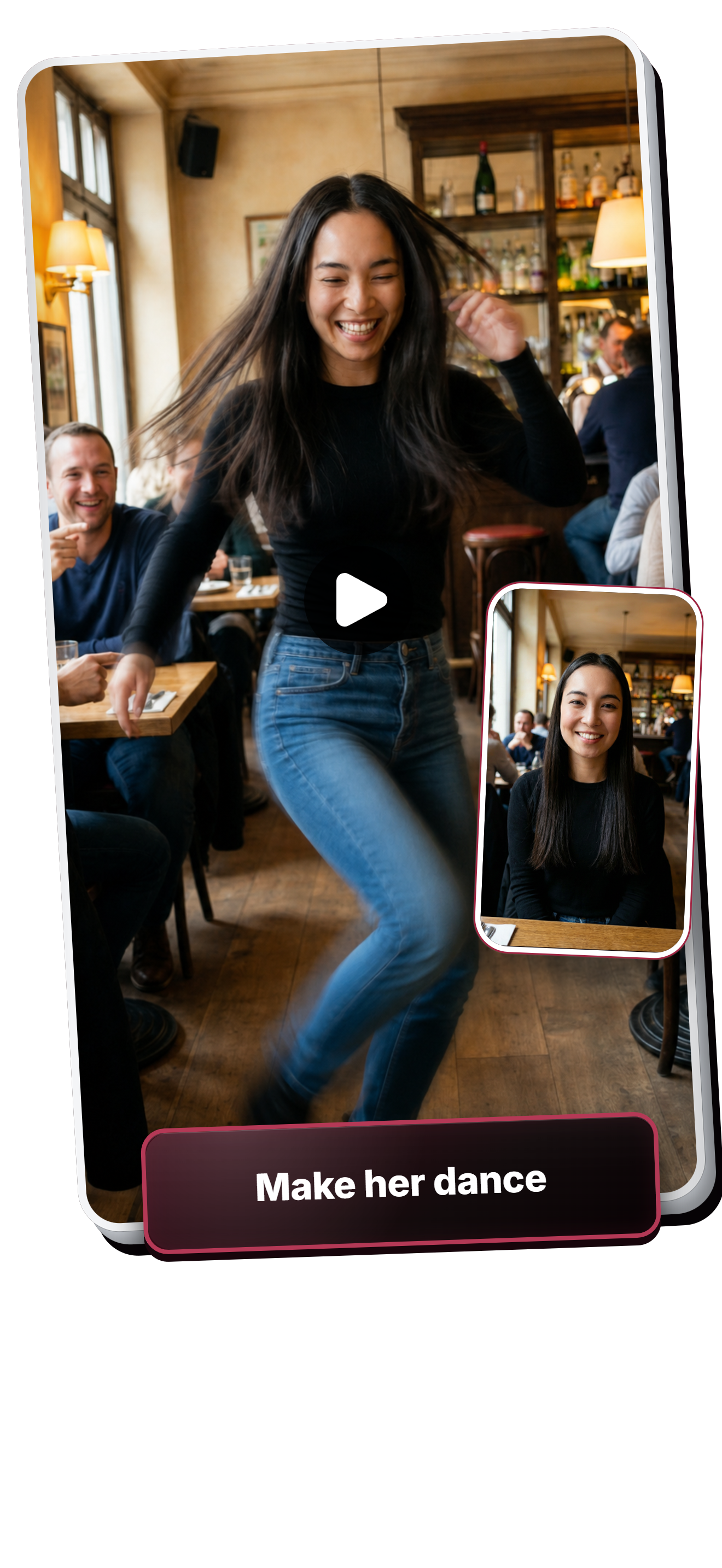
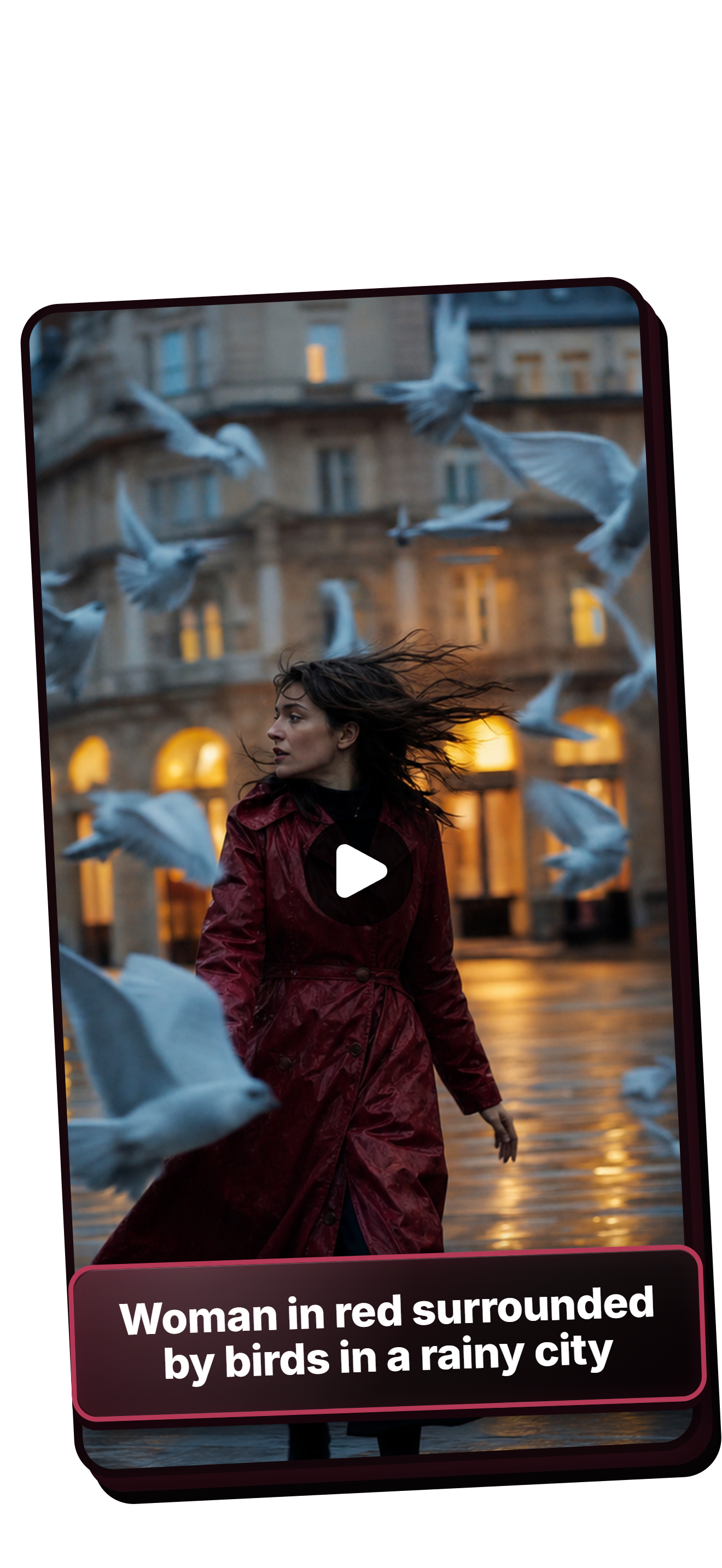
Text to video
Turn a description into a video.
Retouch the photos
on your phone.
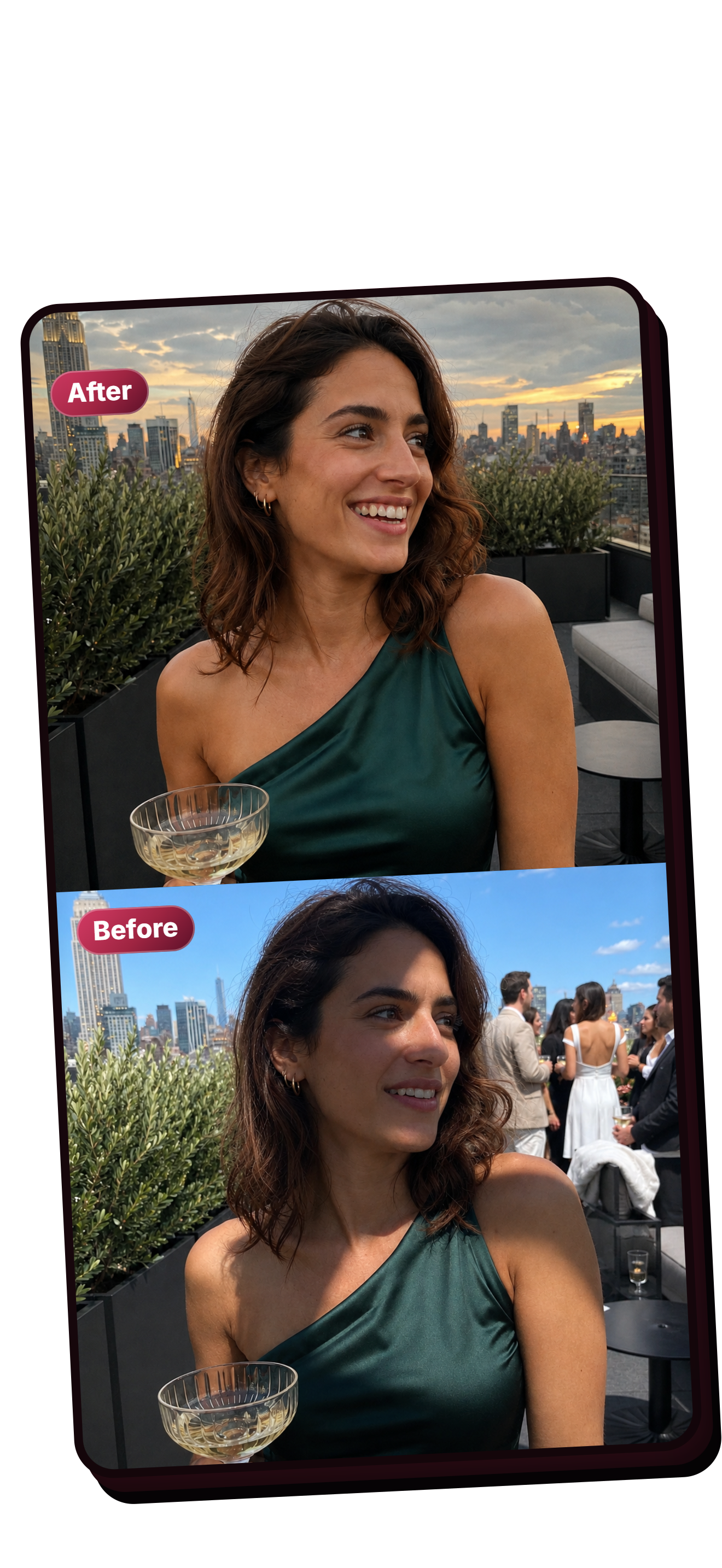
Photo retouching
Fix the lighting and background.
AI photo remake
Try a new version of your photo.
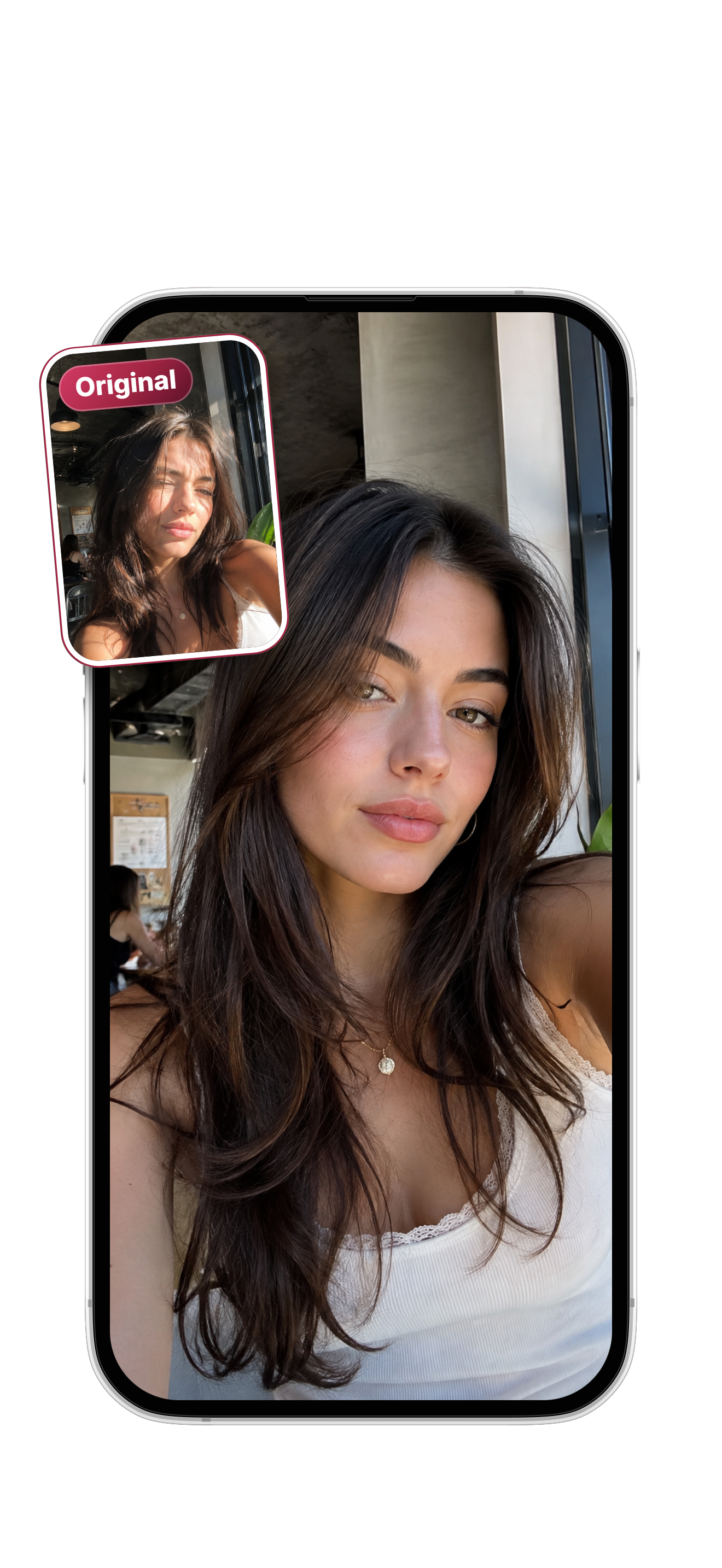
AI looks
Try a few looks from one photo.
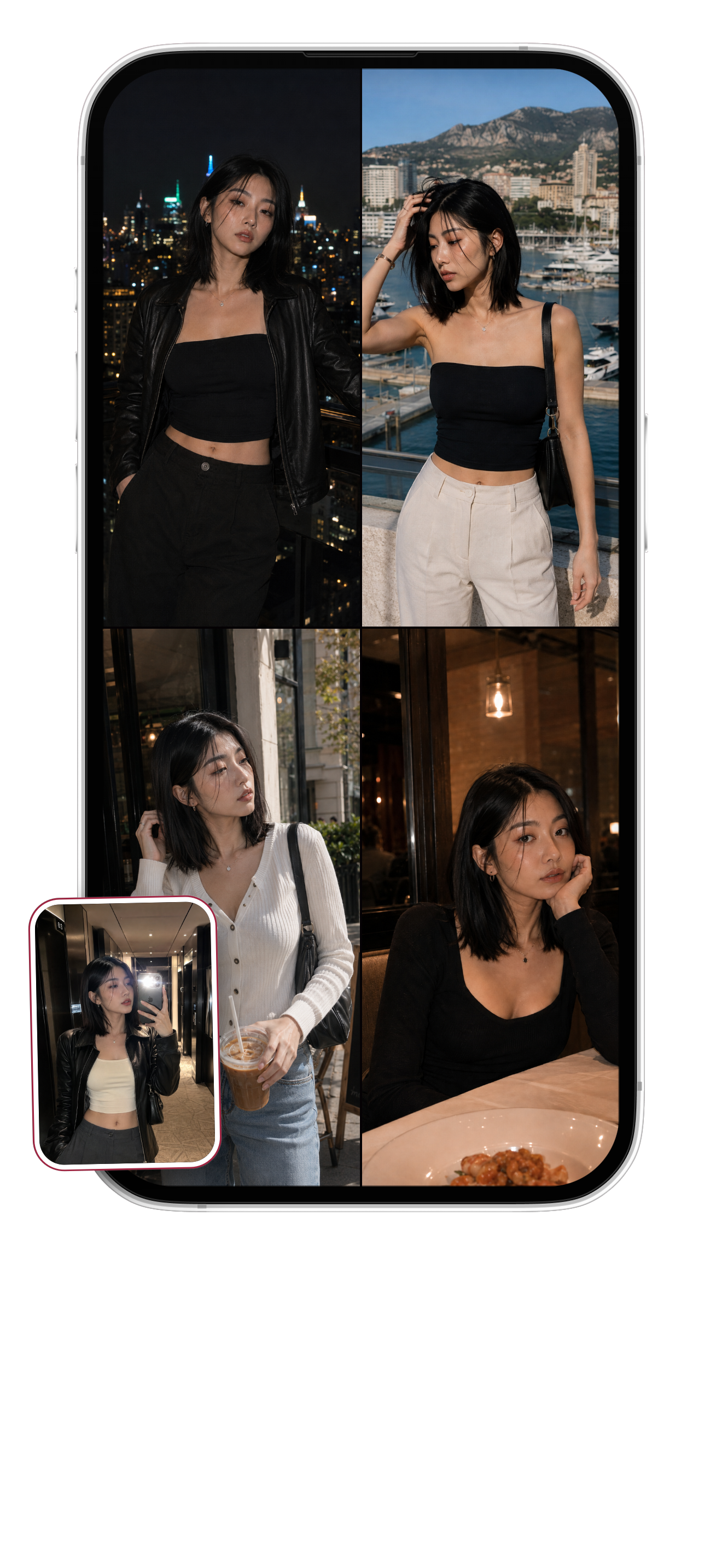
AI photo editing
Edit your photos with words.
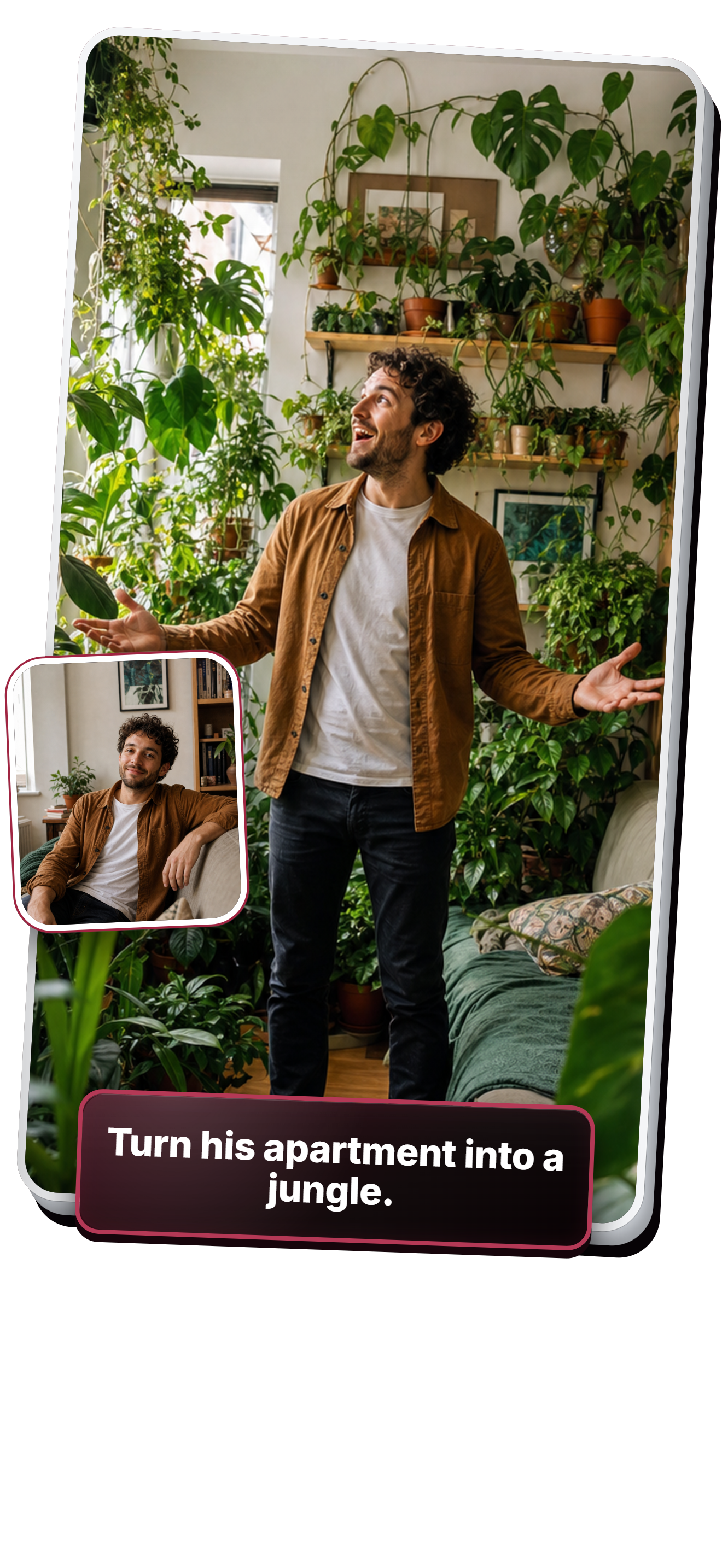
For your photos and videos
Touch up a selfie, make a short video, or send something funny to a friend.
Start with a photo or an idea
Pick a photo from your phone, describe an idea, or try one of the included photo styles.
Say what you want to change
Ask for softer lighting, a different background, or a new outfit. Just describe the change you want.
Send it to a friend
Open a finished photo or video and tap Share to send it to a friend or another app.
Before you
start.
What can I do with Clipro?
You can make AI videos from a photo or a description, generate new images, and retouch photos. Try changing the lighting, removing background distractions, or giving a selfie a different look.
How do I tell Clipro what to make?
Describe what you want in plain words, or choose a photo style such as warmer lighting or a disposable-camera look. You can add your own instructions too.
Can I choose the AI model?
Yes. Clipro offers a choice of image and video models. The photo inputs, formats, and video lengths available depend on the model you choose.
Where can I find my photos and videos?
They're in your gallery. You can see which ones are still being made and open them when they're ready.
How do I share a photo or video?
Open it in your gallery and tap Share. Then choose a contact or app from your iPhone's share menu.
Where can I get Clipro?
Clipro is available for iPhone on the App Store. Tap Download Clipro to get the app.